
Quick answer
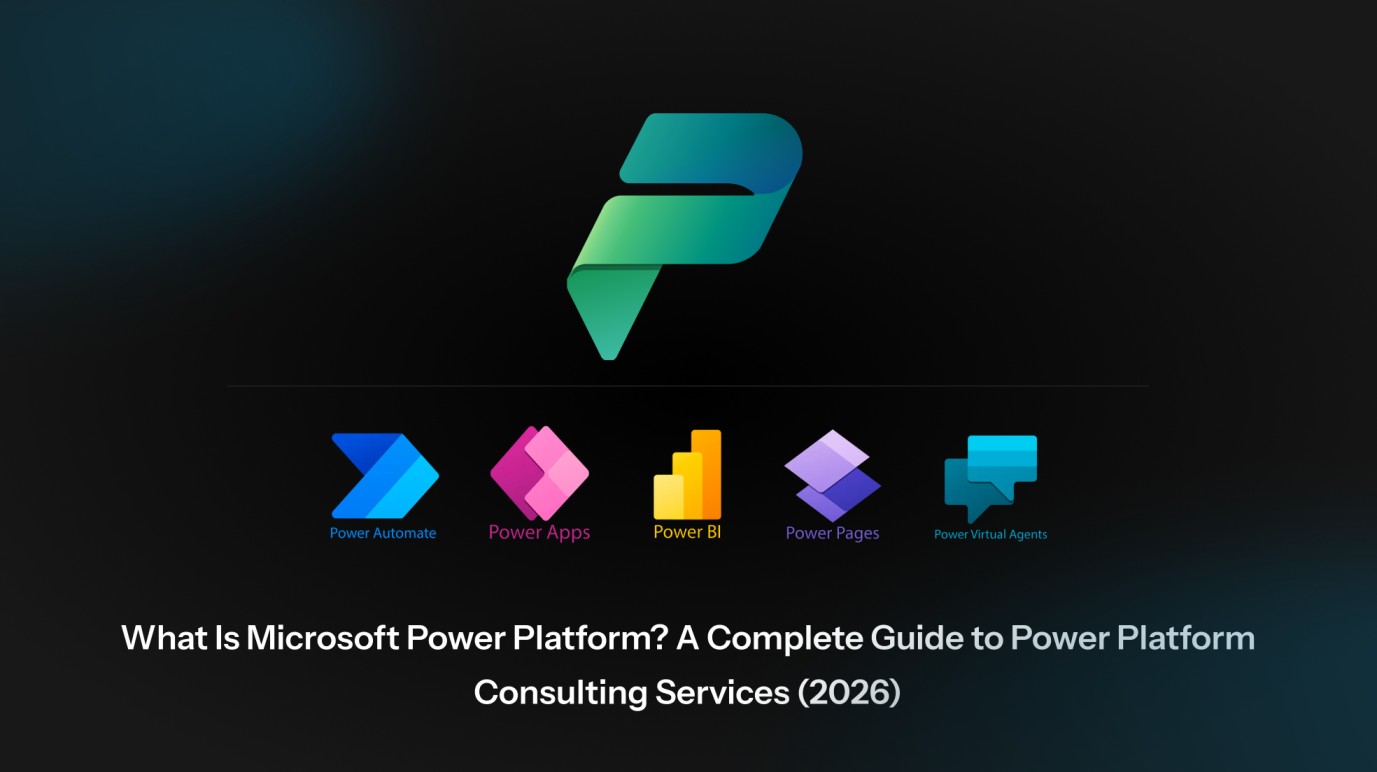
Microsoft Power Platform is a low-code business application suite from Microsoft that lets organizations build custom apps, automate workflows, analyze data, and deploy AI agents — without large engineering teams. It combines five core products — Power Apps, Power Automate, Power BI, Power Pages, and Copilot Studio — on top of a shared data layer called Microsoft Dataverse. Microsoft Power Platform consulting services help businesses plan, build, integrate, and scale solutions on this platform, typically delivering measurable results in weeks rather than months.
Digital transformation no longer needs to take 18 months or a 30-person engineering team. With Microsoft Power Platform consulting, organizations are launching internal apps in two weeks, automating six-figure-cost workflows in days, and standing up AI copilots that take real actions across enterprise systems. This guide explains what Microsoft Power Platform is, what its five core tools do, how consulting services accelerate adoption, and how to choose the right Power Platform partner in 2026.
Microsoft Power Platform is Microsoft’s low-code application development platform that enables both professional developers and non-developers (often called “citizen developers”) to build business applications, automate processes, generate analytical dashboards, build websites, and deploy AI agents. It is part of the broader Microsoft Cloud and integrates natively with Microsoft 365, Dynamics 365, Azure, and over 1,400 third-party connectors including Salesforce, SAP, ServiceNow, Oracle, Workday, and Adobe.
At a glance, Power Platform addresses five common digital transformation needs:
| Business Need | Power Platform Tool |
|---|---|
| Build custom apps without writing code | Power Apps |
| Automate repetitive tasks and workflows | Power Automate |
| Visualize and analyze business data | Power BI |
| Create external-facing websites and portals | Power Pages |
| Build AI agents and conversational copilots | Copilot Studio |
These tools share a single backbone — Microsoft Dataverse — which stores structured business data securely and powers integration across all five products. As of 2025, Microsoft has reported more than 56 million monthly active users of Power Platform globally, making it one of the world’s most widely adopted low-code platforms.
A low-code platform for building custom business applications — including canvas apps, model-driven apps, and mobile-responsive apps. Power Apps lets teams replace spreadsheets, paper forms, and aging legacy software with modern interfaces that connect directly to Microsoft 365, SharePoint, SQL, Dataverse, and external enterprise systems.
Microsoft’s workflow automation engine (formerly known as Microsoft Flow). It automates repetitive tasks such as approvals, notifications, document routing, and cross-system data syncs. Power Automate also includes Robotic Process Automation (RPA), which can automate legacy desktop applications that lack APIs.
A business intelligence and data visualization tool that turns raw operational data into interactive dashboards and reports. Power BI connects to hundreds of data sources, supports DAX-based modeling, and is consistently positioned as a Leader in the Gartner Magic Quadrant for Analytics and Business Intelligence Platforms.
A secure, low-code platform for creating external-facing websites and customer portals — useful for partner portals, customer self-service hubs, event registration, supplier networks, and citizen-facing government services.
A platform for building, deploying, and managing AI agents and conversational copilots. Copilot Studio uses generative AI to enable organizations to create intelligent assistants that handle customer queries, automate internal HR/IT support, and connect to enterprise data sources through Power Automate.
Microsoft Dataverse: the data foundation
Microsoft Dataverse is the secure, scalable data layer that underpins Power Platform. It stores business data in standardized tables, enforces security at the row and field level, and connects all Power Platform tools (and Dynamics 365) without the data-integration overhead that traditional development requires. Think of it as a managed cloud database designed specifically for business applications.
Power Platform follows a three-layer architectural model:
- The interface layer — Power Apps and Power Pages provide user interfaces; Power BI provides analytics; Copilot Studio provides conversational interfaces.
- The logic layer — Power Automate orchestrates business processes, triggers, approvals, and integrations.
- The data and integration layer — Microsoft Dataverse stores the data; 1,400+ pre-built connectors link Power Platform to virtually every major enterprise system.
A typical implementation might use Power Apps to capture data from field employees, Power Automate to route that data for approval, Dataverse to store it securely, Power BI to display real-time KPIs to leadership, and Copilot Studio to answer employees’ questions about the data — all built in days or weeks rather than months.
Businesses adopt Microsoft Power Platform for five core reasons:
- Faster time to value. Solutions launch in weeks, not quarters — proof-of-concept apps often go live in 2–4 weeks.
- Lower development cost. Low-code reduces the need for large custom engineering teams. Forrester Research has cited returns on investment well above 200% for typical low-code implementations.
- Built-in AI. Copilot is embedded across the suite for natural-language app building, automation design, and analytics.
- Enterprise-grade security. Inherited from Microsoft 365 and Azure — including ISO 27001, SOC 2, HIPAA readiness, and GDPR compliance frameworks.
- Seamless Microsoft ecosystem fit. Native integration with Teams, Outlook, SharePoint, Dynamics 365, and Azure.
| Factor | Traditional Development | Microsoft Power Platform |
|---|---|---|
| Time to MVP | 3–6 months | 2–6 weeks |
| Required skill set | Full-stack engineers | Business analysts + pro-devs |
| Integration cost | High (custom connectors) | Low (1,400+ pre-built) |
| Maintenance burden | High (custom code) | Lower (platform-managed) |
| AI capability | Custom-built | Native (Copilot Studio) |
| Scaling model | Engineer-bound | Citizen-developer scalable |
Microsoft Power Platform consulting services are professional services in which certified Microsoft consultants help organizations assess, plan, design, build, deploy, and support solutions on the Power Platform. The goal is to translate business challenges — manual workflows, data silos, legacy systems, fragmented reporting — into low-code applications that deliver measurable outcomes.
A capable Microsoft Power Platform consulting partner owns the entire delivery lifecycle:
- Discovery and assessment — process mapping, opportunity identification, ROI modeling, licensing optimization, prioritized roadmap.
- Solution architecture — environment design, data model, security model, and integration plan.
- Development — Power Apps, Power Automate flows, Power BI dashboards, Power Pages portals, Copilot agents.
- Integration and migration — connecting Power Platform to existing systems and modernizing legacy apps (Access, InfoPath, custom .NET).
- Governance and Center of Excellence (CoE) — DLP policies, environment strategy, citizen-developer enablement, CoE Starter Kit deployment.
- Training and adoption — making sure the solution actually gets used after launch.
- Ongoing support and optimization — managed services, performance tuning, monthly enhancement cycles.
A Power Platform consultant typically delivers across seven service areas. A strong partner adapts the mix to the client’s maturity, industry, and budget.
Consultants begin with a structured assessment — current-state pain points, ROI modeling, prioritized use-case roadmap, and licensing optimization. This phase typically lasts 2–4 weeks and prevents the common pitfall of teams building “shadow IT” apps without a governing strategy.
Building tailored canvas, model-driven, and mobile-responsive apps for use cases such as field inspections, asset tracking, employee onboarding, sales enablement, expense management, and quality control.
Designing and deploying automation flows that eliminate repetitive manual work — approval chains, document routing, alerts, system-to-system data syncs, and RPA against legacy desktop applications.
Building executive dashboards, departmental reports, real-time operational views, and embedded analytics inside other applications. Includes data model design, DAX optimization, and row-level security configuration.
Designing and deploying generative AI agents — internal copilots for HR/IT support, customer-facing conversational bots, and agentic workflows that take actions across enterprise systems through Power Automate connectors.
Connecting Power Platform to Dynamics 365, SAP, Salesforce, ServiceNow, Oracle, SharePoint, and Azure services. Also covers migrating legacy applications (Access databases, InfoPath forms, aging custom .NET tools) to modern Power Platform solutions.
Setting up the operating model that allows organizations to scale Power Platform safely — environment strategy, Data Loss Prevention (DLP) policies, citizen-developer enablement, CoE Starter Kit deployment, and ongoing managed support.
You likely need a Microsoft Power Platform consulting partner if one or more of the following is true:
- Your business processes still rely heavily on spreadsheets, email approvals, or paper forms.
- You have data trapped in disconnected systems that prevent real-time decision making.
- You’ve started building Power Apps internally, but they’re becoming hard to maintain or govern.
- You need to modernize a legacy application (Access, InfoPath, classic .NET) but can’t justify a full rebuild.
- You want to deploy AI agents with Copilot Studio but lack in-house expertise.
- Your IT team is overloaded, and citizen development is creating governance or security risk.
- You need to integrate Power Platform with Dynamics 365, SAP, Salesforce, or other enterprise systems.
The Power Platform consulting market is crowded. Use these seven criteria to evaluate partners:
- Microsoft partnership tier and certifications. Look for Microsoft Solutions Partner designation in Business Applications and Power Platform–specific certifications: PL-100, PL-200, PL-400, and PL-600.
- Verified case studies. Industry-relevant outcomes with named clients (or anonymized cases with specific metrics).
- End-to-end capability. Strategy, build, integration, governance, and support — not just delivery.
- CoE and governance expertise. Critical for any organization planning to scale beyond a single app.
- Industry experience. Domain knowledge in your sector dramatically accelerates discovery.
- Transparent pricing and engagement models. Fixed-bid, time-and-materials, dedicated team, or hybrid — with clarity about which fits which engagement type.
- Post-launch support model. Managed services, SLAs, and a defined path from project delivery to long-term partnership.
Microsoft Power Platform consulting costs vary widely by region, complexity, and engagement model. As a general benchmark for 2026:
| Engagement Type | Typical Cost Range (USD) |
|---|---|
| Discovery / assessment engagement | $5,000 – $20,000 |
| Single-app build (Power App + light automation) | $15,000 – $60,000 |
| Mid-complexity solutions (multi-app, BI, integration) | $50,000 – $200,000 |
| Enterprise programs (CoE, multi-BU, AI agents) | $200,000 + |
| Hourly consulting rates | $50 – $250 / hour |
Note: Licensing costs are separate from consulting and depend on Power Apps per-user vs. per-app plans, Power Automate plans, Power BI Pro/Premium, and Copilot Studio messaging capacity. A good consulting partner will help you optimize licensing as part of discovery.
Power Platform consulting projects span every sector. The patterns that recur most often:
- Healthcare: Patient intake apps, clinical scheduling tools, regulatory dashboards, HIPAA-compliant workflows.
- Manufacturing: Quality inspection apps, Overall Equipment Effectiveness (OEE) dashboards, supply-chain RPA, downtime tracking.
- Financial services: Loan origination workflows, KYC/AML dashboards, compliance reporting, risk monitoring.
- Retail and e-commerce: Store audit apps, inventory automation, omnichannel analytics, returns processing.
- Public sector: Citizen service portals, case management, grant administration, FOIA workflows.
- Education: Admissions workflows, student services chatbots, performance analytics, alumni engagement.
- Professional services: Resource planning apps, project KPI dashboards, automated client onboarding, time-and-billing.
Metizsoft Inc. delivers Microsoft Power Platform consulting services as part of a broader digital product engineering practice — with 3,000+ delivered digital projects, 100+ software experts, 12+ years of industry experience, and clients across 30+ countries. Our team designs, builds, and scales Power Platform solutions across Power Apps, Power Automate, Power BI, Power Pages, Copilot Studio, and Microsoft Dataverse — integrated with the rest of the Microsoft ecosystem and any third-party enterprise system in scope.
Whether your organization is launching its first Power App, modernizing legacy systems, or scaling a Center of Excellence, Metizsoft shapes the engagement model — from a focused MVP to an enterprise-wide rollout.
Ready to accelerate your Power Platform journey?
Book a free Microsoft Power Platform consultation with Metizsoft’s certified consultants. We’ll review your use case, map a roadmap, and show you what’s achievable in your first 30 days.
Explore Our Microsoft Power Platform Consulting Services →1. What is Microsoft Power Platform used for?
Microsoft Power Platform is used to build custom business applications, automate workflows, analyze data, create external-facing portals, and deploy AI agents — all on a low-code foundation that integrates with Microsoft 365, Dynamics 365, Azure, and over 1,400 third-party systems.
2. Is Microsoft Power Platform low-code or no-code?
Both. Power Apps and Power Pages support no-code drag-and-drop design, while professional developers can extend the platform with Power Fx, custom connectors, plug-ins, and Azure Functions for advanced scenarios.
3. How much does Microsoft Power Platform cost?
Licensing typically starts at around $5 per user per month for Power Apps premium plans, with separate plans for Power Automate, Power BI, Power Pages, and Copilot Studio. Enterprise costs depend on user count, data volumes, and AI usage. Consulting costs are separate and range from $5,000 for an assessment to $200,000+ for enterprise programs.
4. Do I need a consultant to implement Microsoft Power Platform?
For a single small app, no — internal citizen developers can often launch in days. For enterprise-grade rollouts, integration with line-of-business systems, governance, AI agents, or migration from legacy software, a certified Microsoft Power Platform consulting partner significantly reduces risk and time-to-value.
5. How long does a Microsoft Power Platform implementation take?
Small automation projects can launch in 2–4 weeks. Mid-complexity solutions typically take 8–16 weeks. Enterprise programs with multiple apps, integrations, and a Center of Excellence (CoE) setup run 6–12+ months.
6. Can Microsoft Power Platform integrate with Salesforce, SAP, and other non-Microsoft systems?
Yes. Power Platform offers over 1,400 pre-built connectors, including Salesforce, SAP, ServiceNow, Oracle, Workday, and Adobe. Custom connectors can be built for any system that exposes a REST or SOAP API.
7. Is Microsoft Power Platform secure for enterprise use?
Yes. Power Platform inherits security and compliance from Microsoft Azure and Microsoft 365 — including role-based access, row-level security in Dataverse, Data Loss Prevention (DLP) policies, audit logs, and certifications such as ISO 27001, SOC 2, HIPAA, and GDPR readiness.
8. What is Microsoft Dataverse and why does it matter?
Microsoft Dataverse is the secure, cloud-based data platform that underpins Power Platform. It stores structured business data in standardized tables, enforces granular security, and lets all Power Platform tools work from a single source of truth — replacing the need for separate databases and integration layers.
9. What is Copilot Studio and how is it different from ChatGPT?
Copilot Studio is Microsoft’s platform for building enterprise-grade AI agents and conversational copilots. Unlike consumer AI chatbots, Copilot Studio agents are grounded in your business data, follow governance and compliance rules, integrate with enterprise systems, and can take real actions through Power Automate and connectors.
10. Is Microsoft Power Platform suitable for startups?
Yes. Many startups use Power Platform to build MVPs quickly, validate business ideas, and scale to full enterprise solutions later. The low-code approach is especially valuable for early-stage teams that need to move fast without hiring large engineering teams.
11. What’s the difference between Power Apps and Power Pages?
Power Apps are internal-facing business applications used by employees. Power Pages are external-facing websites used by customers, partners, vendors, or the public. Both share the same Microsoft Dataverse data layer.
12. What certifications should a Microsoft Power Platform consultant hold?
Look for Microsoft certifications: PL-900 (Fundamentals), PL-100 (App Maker), PL-200 (Functional Consultant), PL-400 (Developer), and PL-600 (Solution Architect). Equally important: real-world implementation experience and affiliation with a Microsoft Solutions Partner organization.

 By
By
 By
By